
Many common questions already have an answer in our Knowledge Base. You don't need to log in to read it.
From the Help button
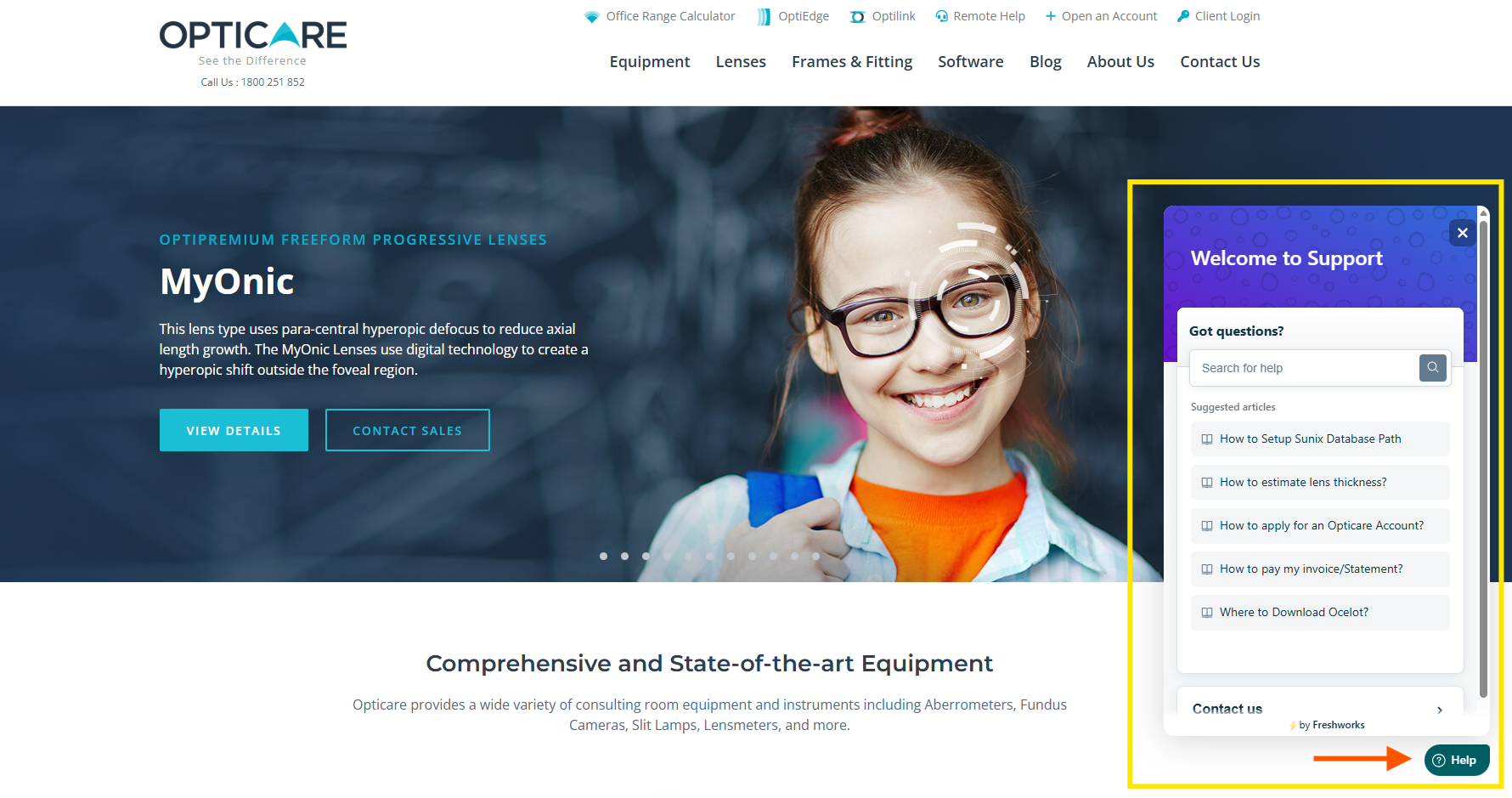
- Click the Help button in the bottom-right of the Opticare website, Optilink Online or MyOpticare.
2. Type a few keywords in the search box, for example "order ID" or "invoice".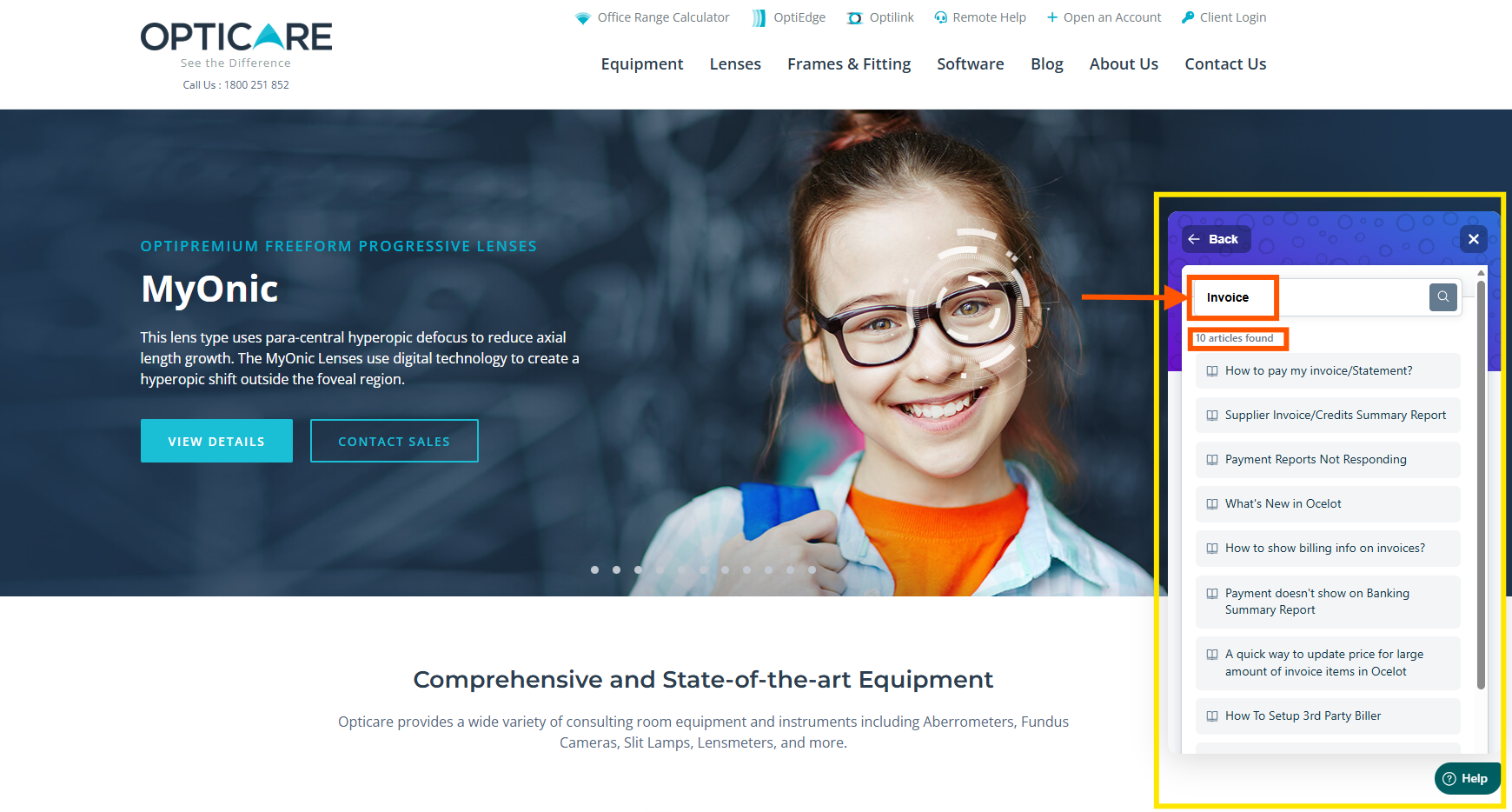
3. Click the article that matches your question.
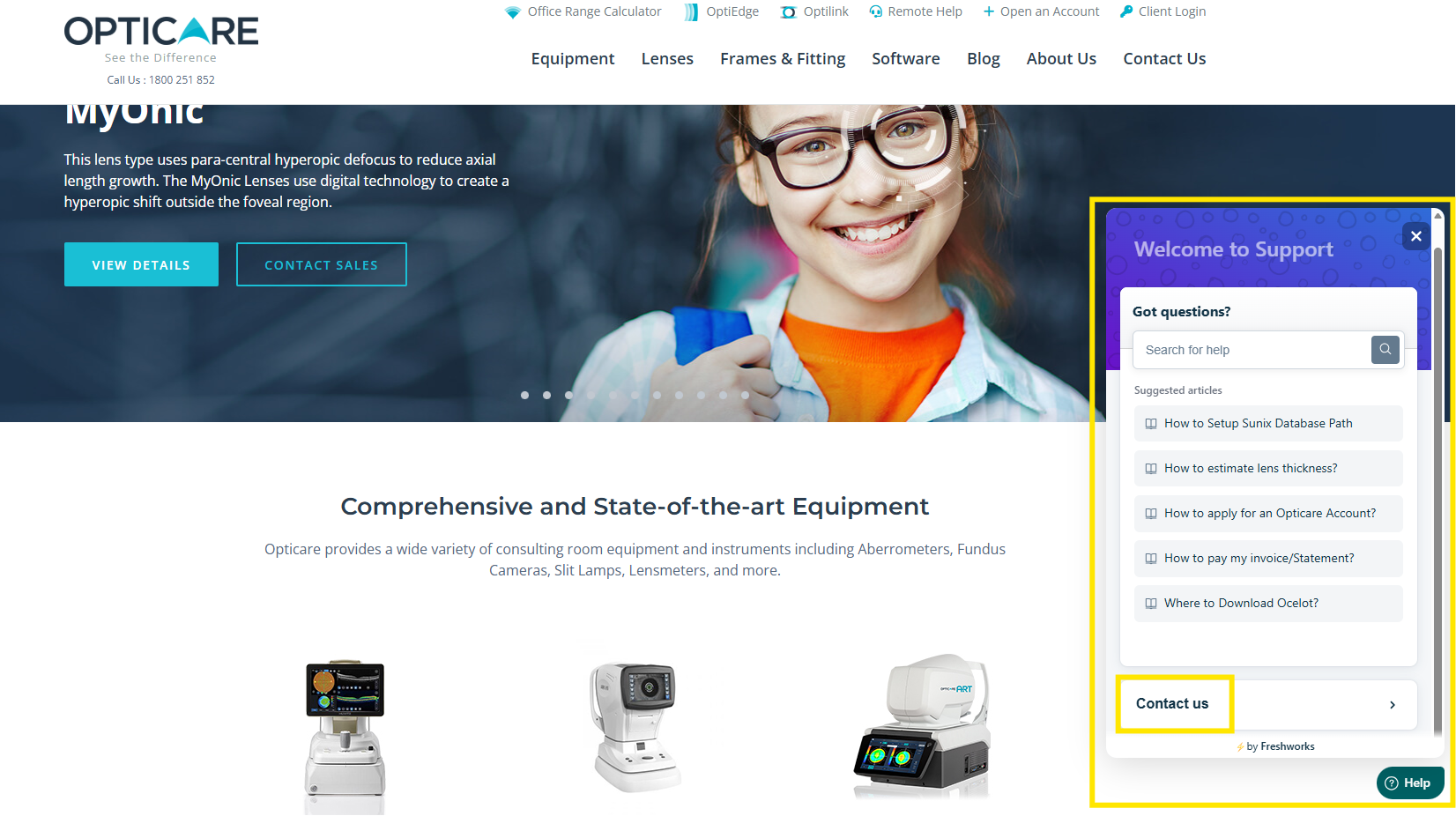
4. If the article doesn't solve it, submit a ticket from the same window.
From the support website
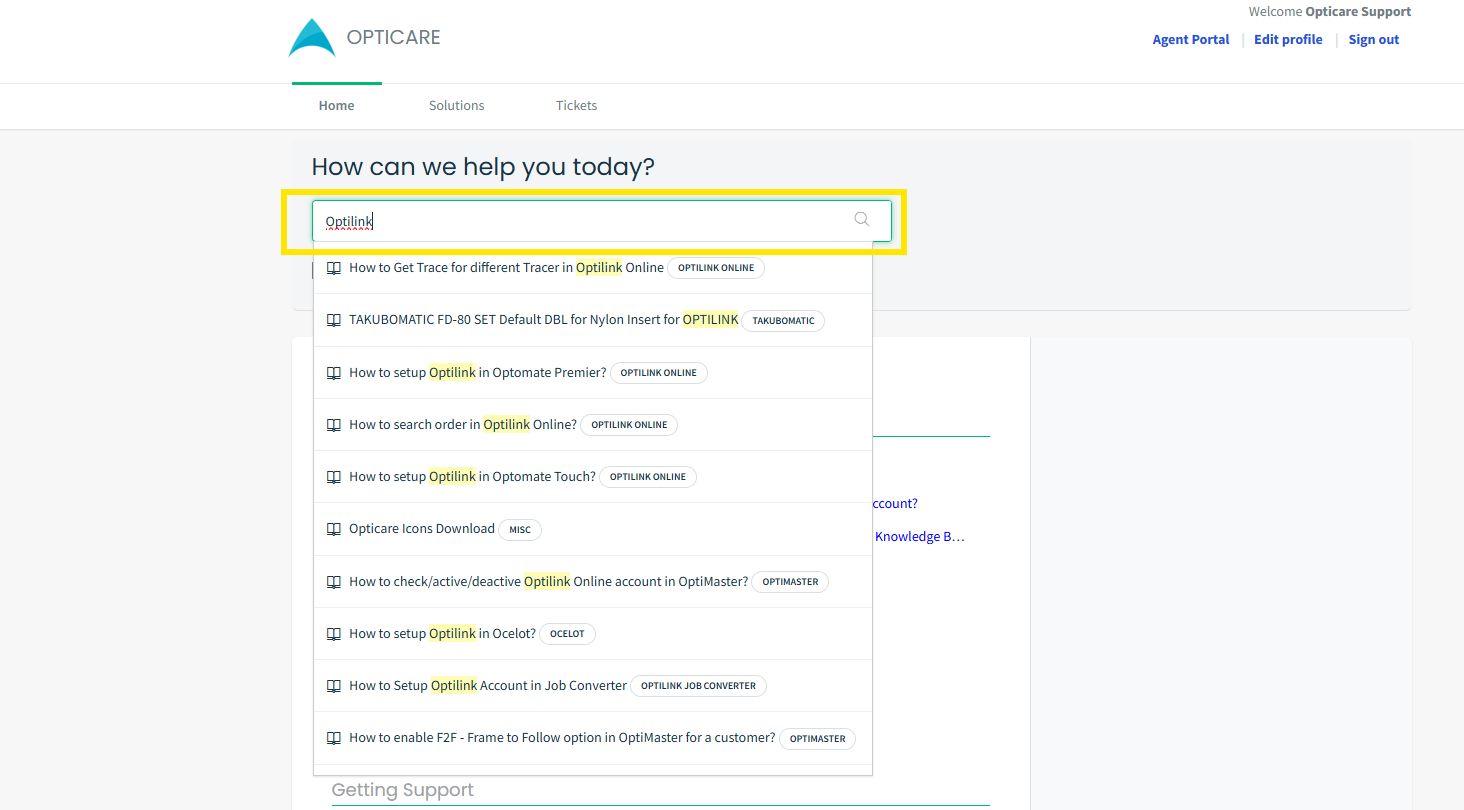
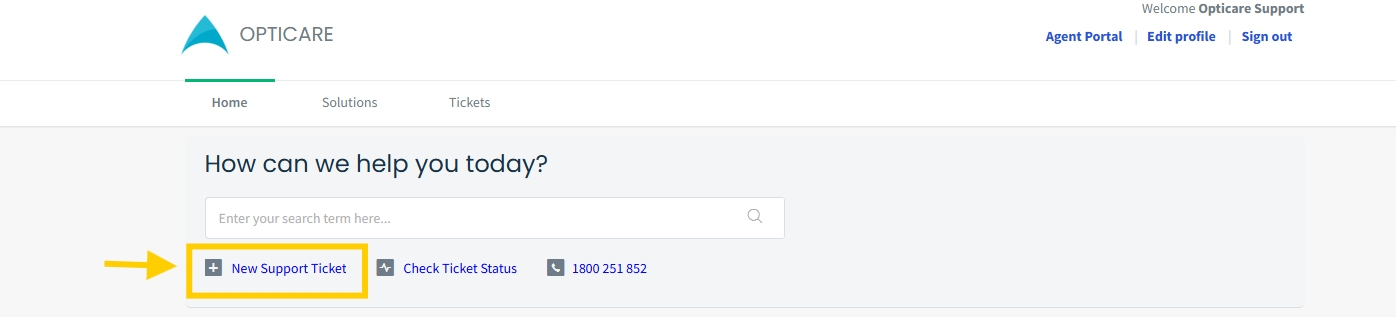
- Go to support.opticare.com.au.
- Type keywords into the search bar at the top.
- Or browse by section, for example Optilink.
4. Still stuck? Click Submit a ticket.
Search tips
- Use two or three words, not full sentences.
- Try the product name plus the problem, e.g. "Optilink login".
Still need help? Email support@opticare.com.au or call 1800 251 852.