
You can contact Opticare Support in three ways. No account or login is needed.
Option 1: Use the Help button (fastest)
- On the Opticare website, Optilink Online or MyOpticare, click the Help button in the bottom-right corner.

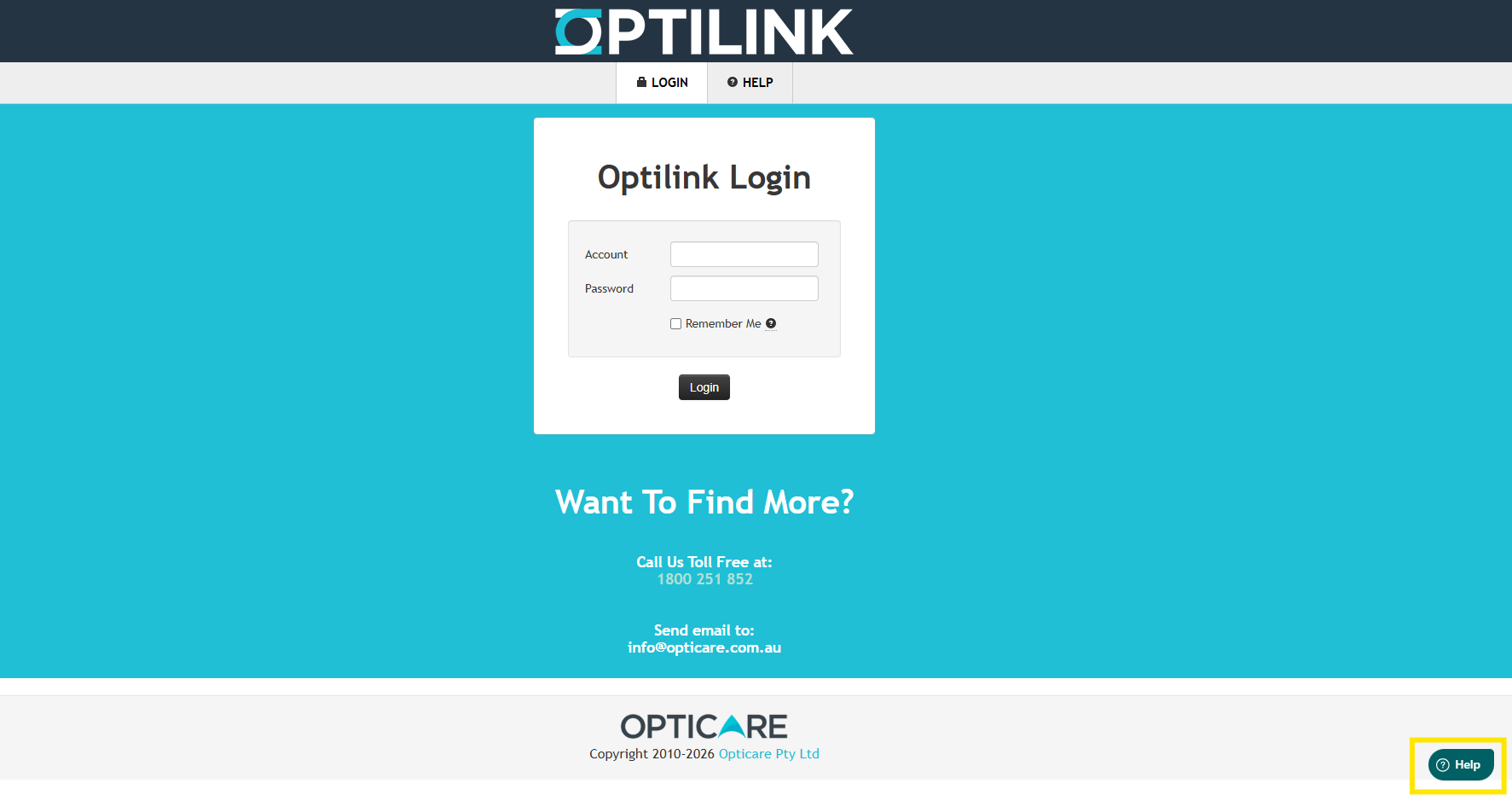
2. Select the option to contact us or submit a ticket.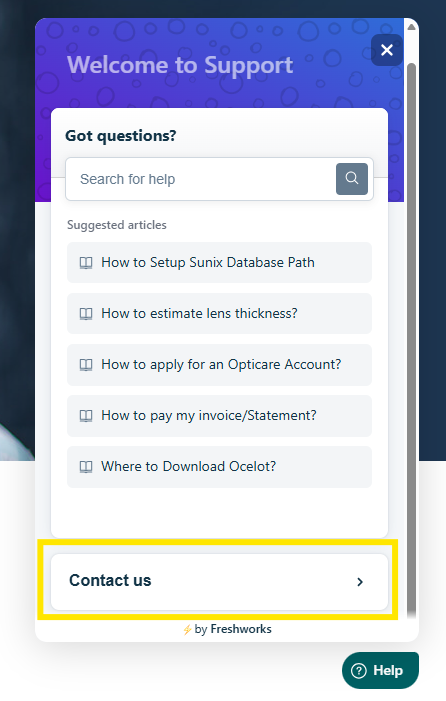
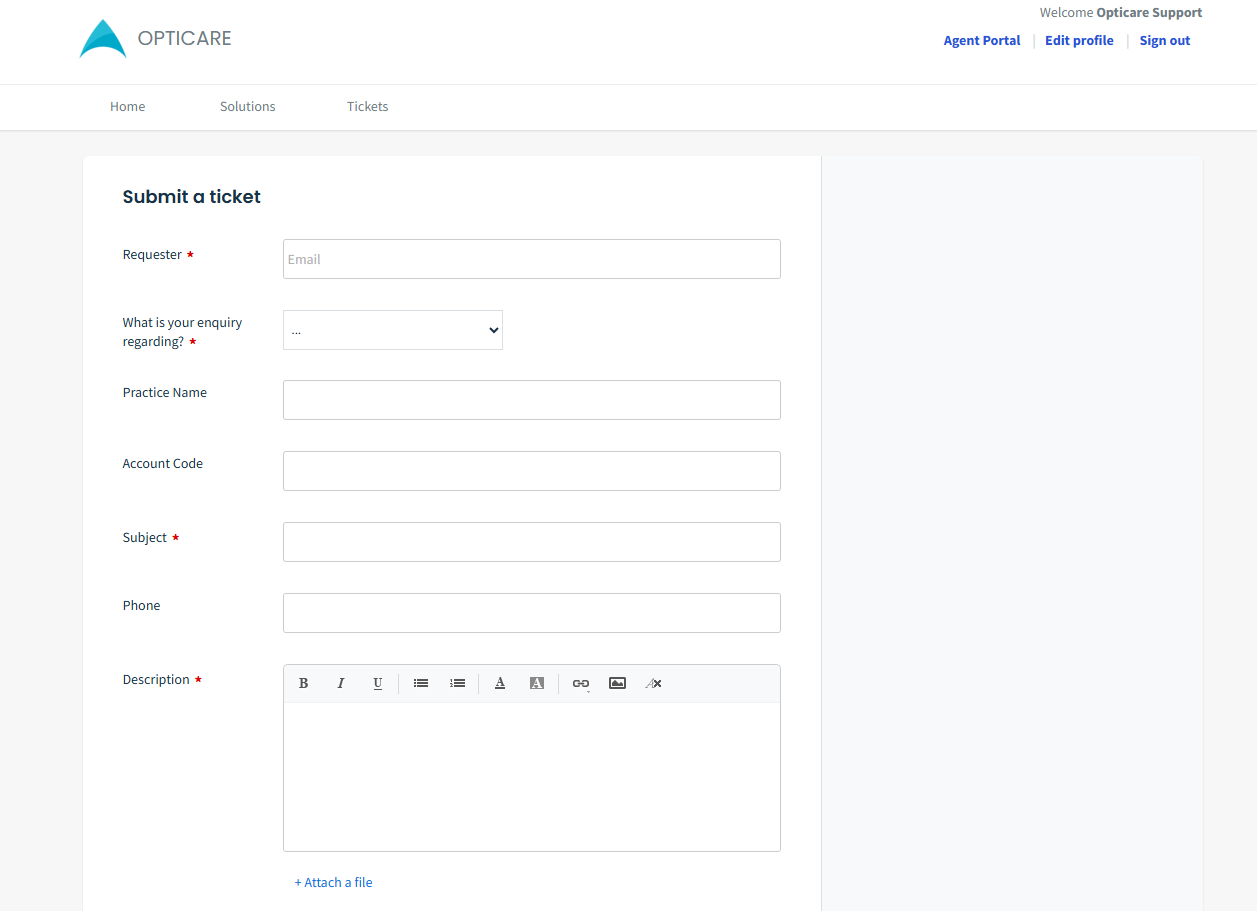
3. Enter your name, email, practice name and account code, then describe the issue.
4. Attach a screenshot if you have one, then click Send.
You can contact Opticare Support in three ways. No account or login is needed.
Option 2: Use the support website
- Go to support.opticare.com.au.
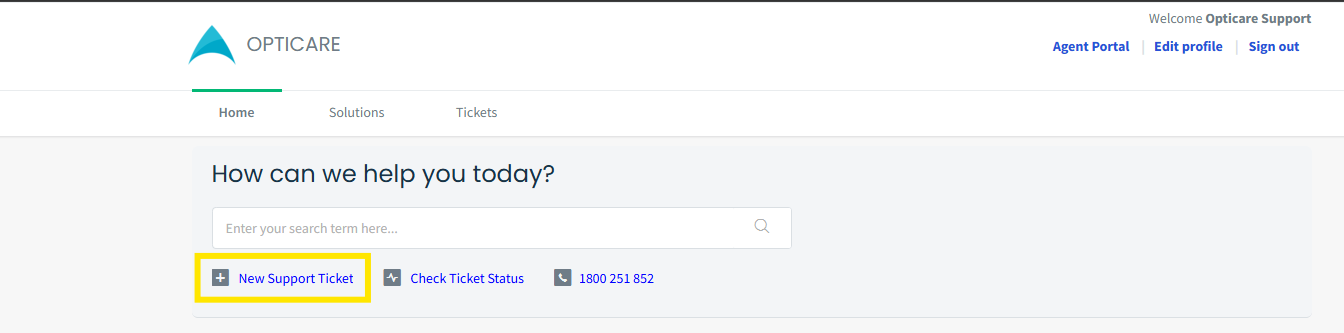
- Click New Support Ticket
- Fill in the form and click Submit.
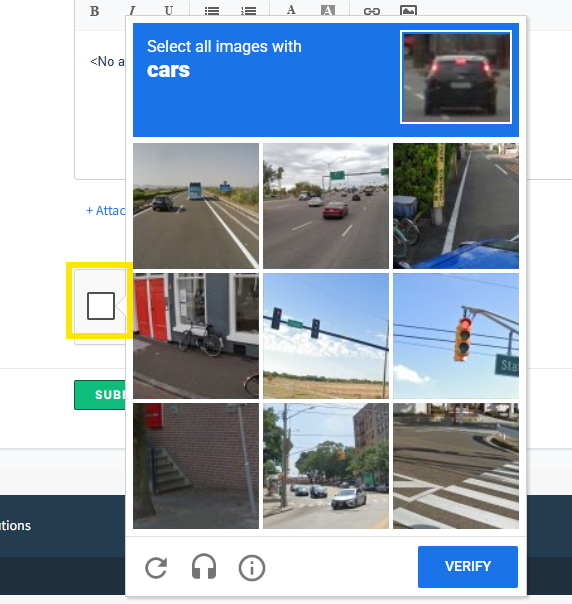
- Tick the I'm not a robot checkbox. If an image challenge appears (e.g. "Select all images with cars"), select the matching images and click Verify.

- Click Submit a ticket.
Option 3: Send an email
Email support@opticare.com.au. Your email creates a ticket automatically.
What to include
- Your name and practice name
- Your account code
- The page or screen you were on
- Any order ID or reference number
- A screenshot of the problem, if possible