1. After login to Optilink Online, go to Manage Order screen.
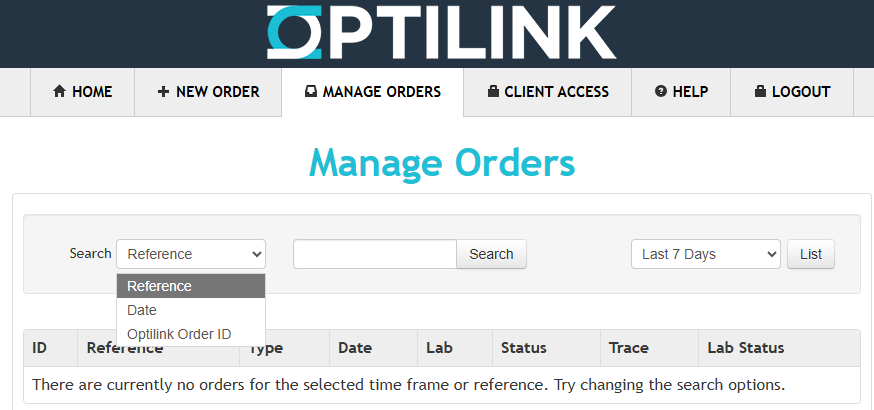
2. Select info type - Reference, Date, Optilink Order ID (note this is NOT same as the Opticare Order ID). Enter the data and choose date range. then click Search button.

Modified on: Sat, 19 Sep, 2026 at 1:59 PM
1. After login to Optilink Online, go to Manage Order screen.
2. Select info type - Reference, Date, Optilink Order ID (note this is NOT same as the Opticare Order ID). Enter the data and choose date range. then click Search button.
Did you find it helpful? Yes No
Send feedback